Free Payment Application and IPC Template
A generic payment application layout that values work done item by item, with previous, current and cumulative columns and a payment summary. Excel and PDF, English and Arabic. Apply the percentages and rules of your own contract.
Download the template
Preview
A preview of the template layout. The files have more blank rows and, in Excel, working formulas and drop-downs.
Payment Application / Interim Payment Certificate (IPC)
- Project
- Contract no.
- Application / IPC no.
- Period from
- Period to
- Contractor
- Date submitted
- Currency
Valuation of work done by BOQ item
| Item | Description | Unit | Contract qty | Rate | Contract amount | Previous qty | This period qty | Cumulative qty | Cumulative amount | This period amount |
|---|---|---|---|---|---|---|---|---|---|---|
| = calculated | = calculated | = calculated | = calculated | |||||||
| = calculated | = calculated | = calculated | = calculated | |||||||
| = calculated | = calculated | = calculated | = calculated | |||||||
| ... (20 rows in the file) | ||||||||||
| Totals | ||||||||||
Payment summary (apply the percentages and rules in your contract)
| Value of work done to date | = |
|---|---|
| Approved variations to date | |
| Materials on site (if payable) | |
| Gross valuation | = |
| Retention (%) | |
| Retention amount | = |
| Advance payment recovery | |
| Other deductions | |
| Net valuation to date | = |
| Less: previously certified | |
| Amount due this period (before VAT) | = |
| VAT (%) | |
| VAT amount | = |
| Total due this period (including VAT) | = |
What is included
- Header: project, contract, application number, period, contractor, date and currency
- Valuation by BOQ item: contract, previous, this period and cumulative quantities and amounts, calculated by formulas in Excel
- Payment summary: variations, materials on site, retention, advance recovery, other deductions, previous certified, VAT and total due
- Signature blocks for contractor, certifier and employer
How to fill it in
- Copy your BOQ items, quantities and rates into the table.
- Enter the previous quantity (from the last certificate) and this period's quantity for each item.
- Check the cumulative amount and the totals the sheet calculates.
- In the summary, enter approved variations, materials on site if payable, deduction amounts, the retention and VAT percentages, and the amount previously certified.
- Compare the result with your contract's payment terms before submitting. Retention, advance recovery and VAT rules vary by contract.
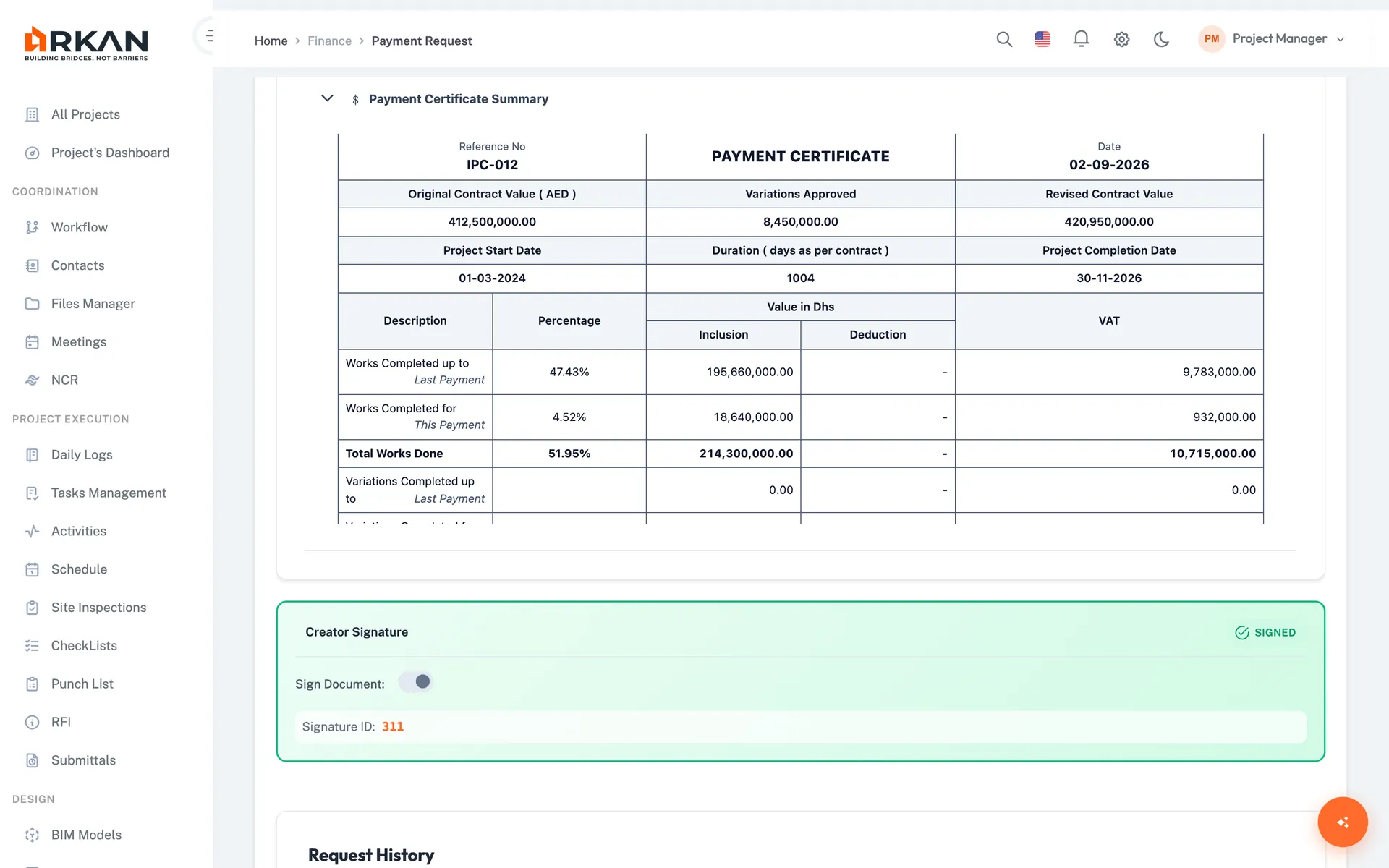
Do this without spreadsheets: Arkan payment requests
Arkan builds the payment request from BOQ progress in a 4-step wizard instead of a re-typed spreadsheet.
- Select BOQ items and optionally import progress from inspection reports
- Link advance payments and see retention and VAT deductions
- Submit for approval; retention releases are tracked in Finance
Related templates
Last updated: 2026-10-13. This is a generic template, not tied to a specific contract. Adapt it to your contract and project procedures.