Security and Control for Construction Data
Arkan gives you control over who can see and change project data, and keeps a clear history of document versions and approvals.
Two-Factor Authentication
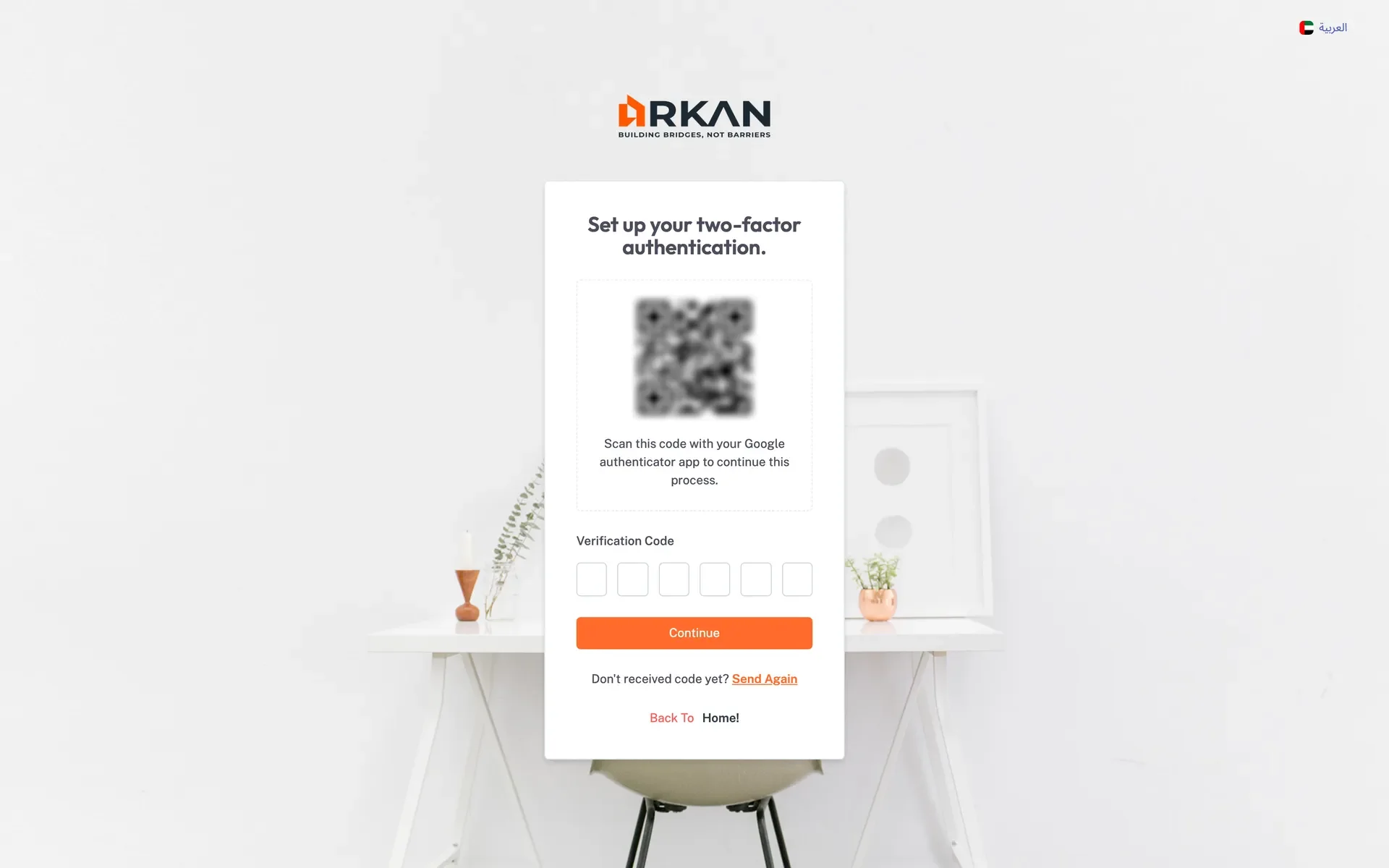
Users can be required to confirm sign-in with a 6-digit code from Google Authenticator. Administrators can reset two-factor authentication if a user loses access to their app.
Per-Screen Role Permissions
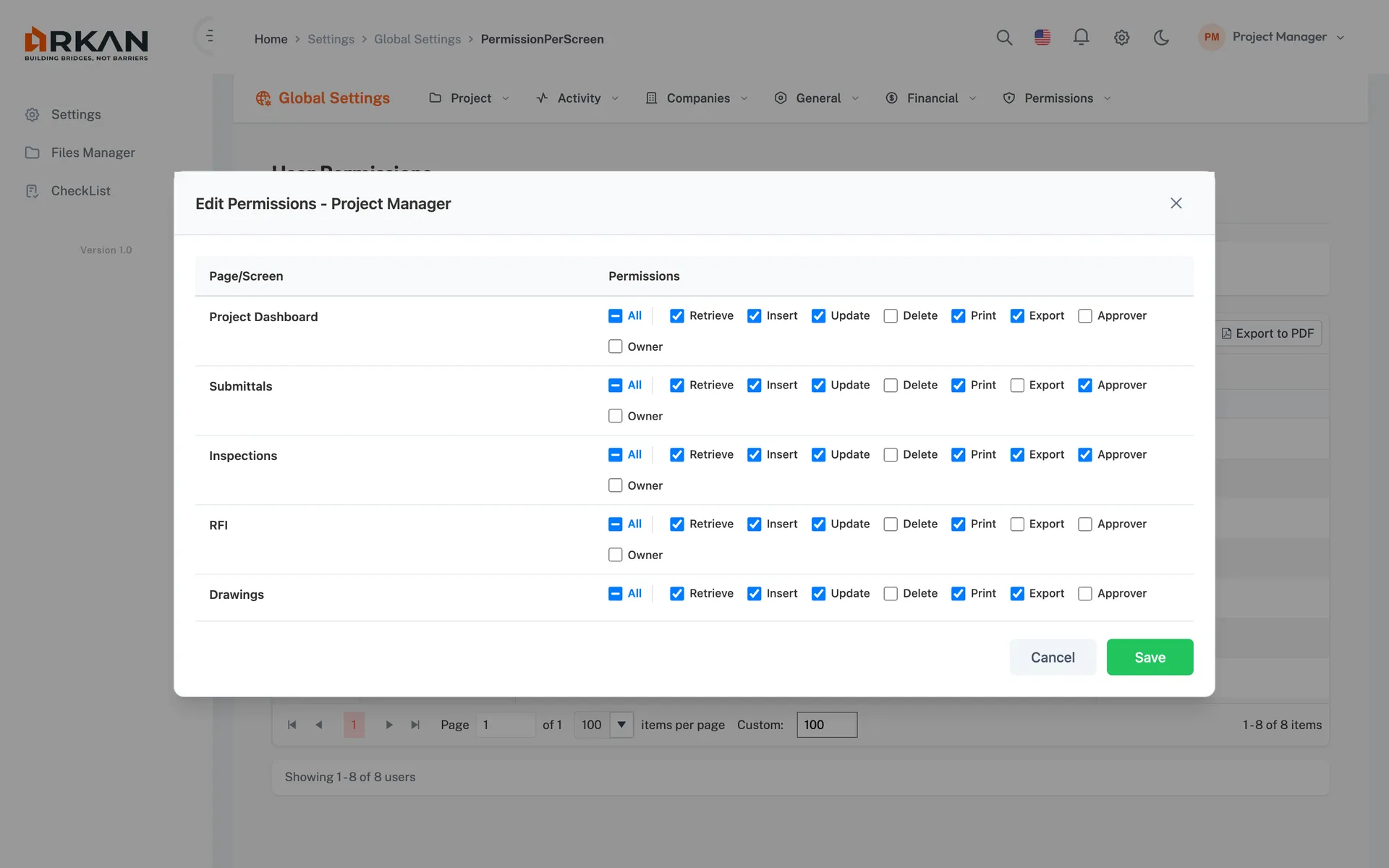
Administrators set permissions for each role on each screen: Retrieve, Insert, Update, Delete, Print, Export, Approver and Owner. Without Retrieve, a screen is not accessible at all.
Encrypted Folders
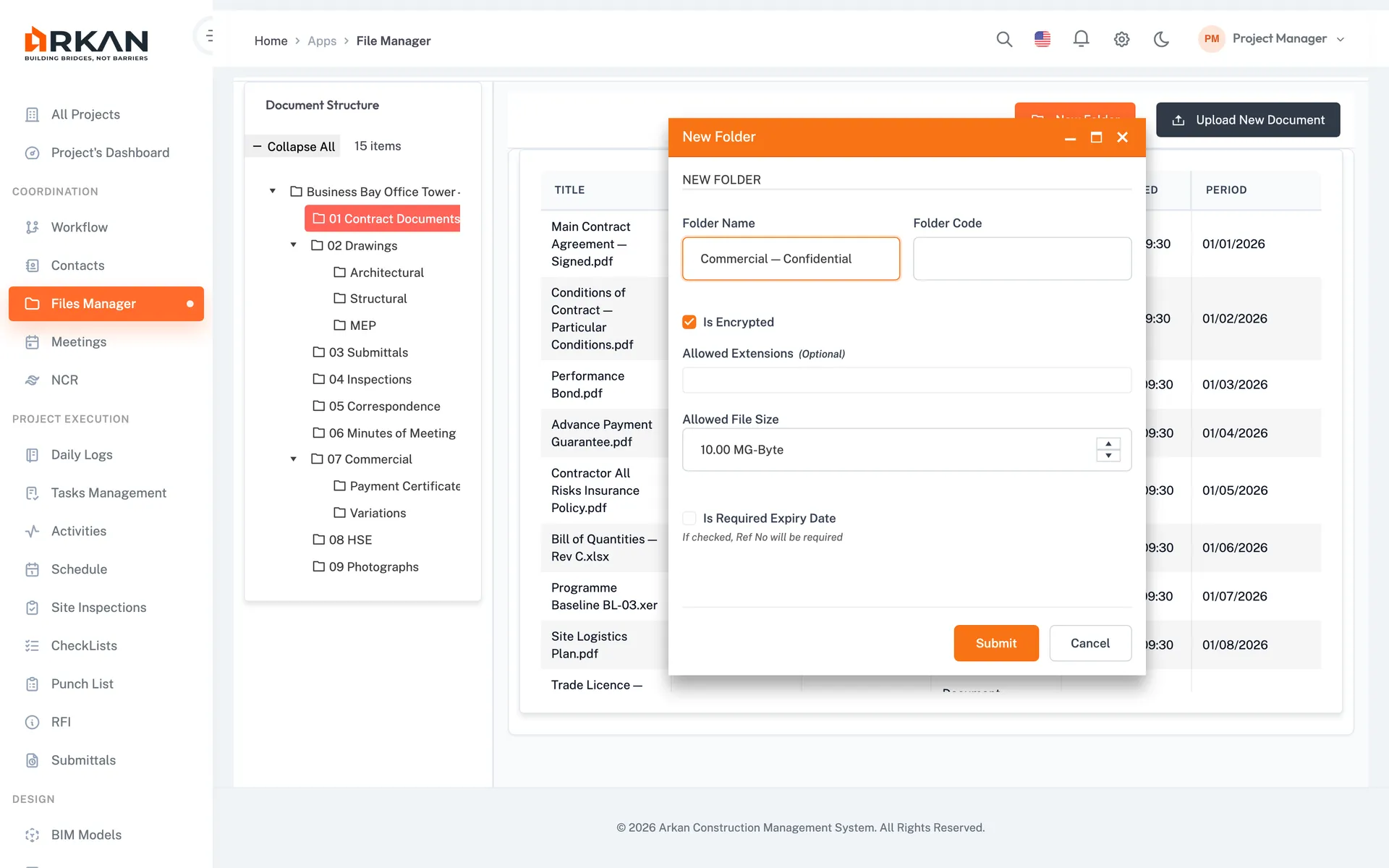
Folders in the File Manager can optionally be set up with encryption for sensitive documents.
English & Arabic with RTL
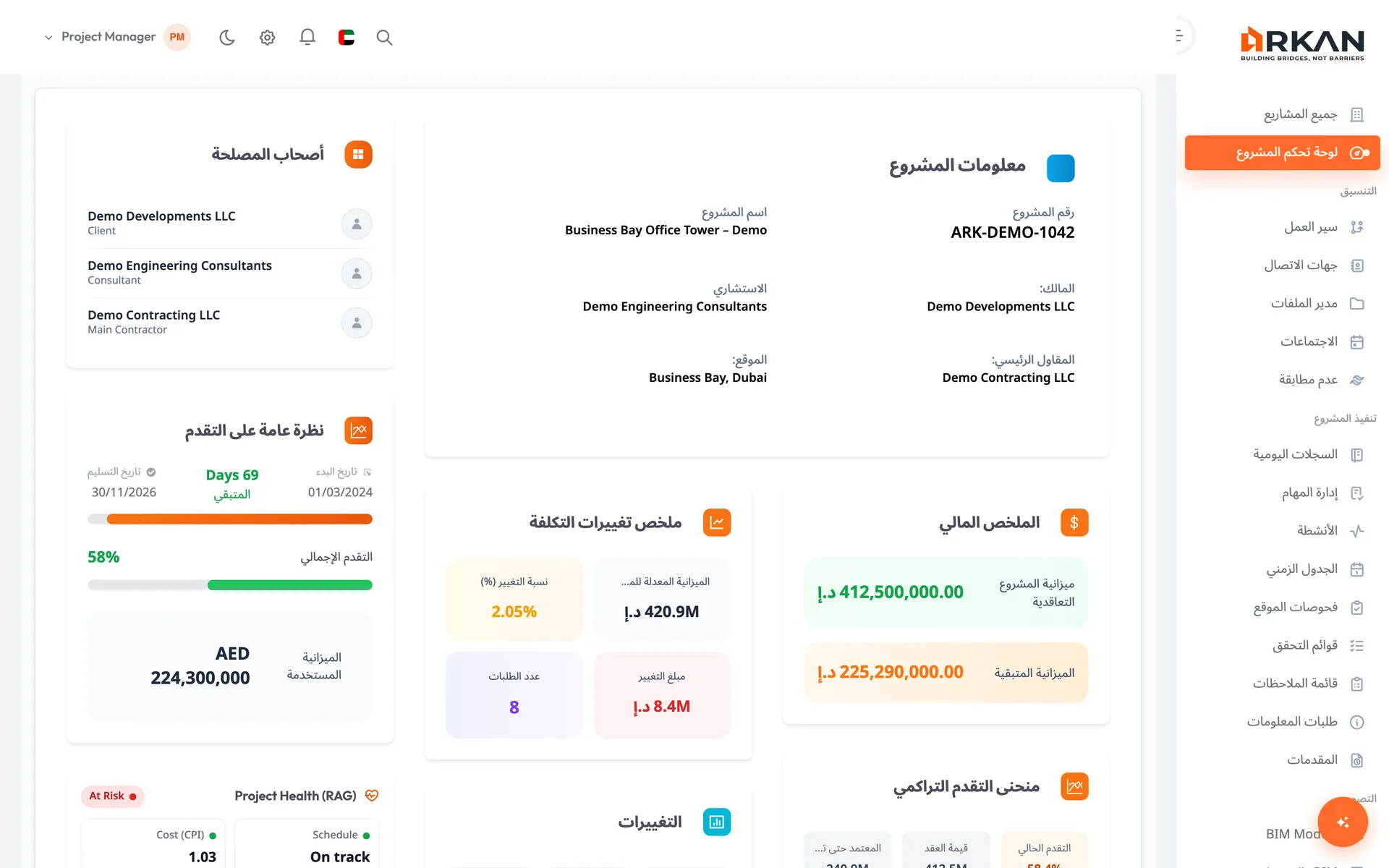
Switch between English and Arabic at any time. In Arabic, the whole interface uses a right-to-left layout.
Document Version History
Arkan keeps a version history for documents, so you can trace changes and restore a previous version when needed.
Workflow & Approval History
Submittals, inspections, RFIs and other requests move through configurable approval workflows, and each request keeps its history of responses, attachments and workflow steps.
Implementation & Support
Guided Onboarding
We set up your projects, import your data and train your team.
Dubai-Based Support
Local support team based in Dubai, available Sunday–Thursday (GST), with guided onboarding for every account.
Data Migration
We help with Primavera P6 schedule import (.xml/.xer), BOQ migration (Excel), and document upload.
Training by Role
2-hour training sessions tailored by role: project managers, site engineers, document controllers, finance teams, and executives.