Snag Lists Scattered Across Spreadsheets and Phones
- 1Snag lists are kept in spreadsheets while the photos sit on someone's phone
- 2Subcontractors do not know which items are theirs or when they are due
- 3Nobody can quickly see how many items are still open before handover
Arkan Punch List Capabilities
Punch Lists & Items
Create a list per area or walkthrough and add items with trade, location, category, company, assignee, priority and due date. Save drafts and finish them later.
Photos & Comments
Attach photos and documents, view them in a gallery, and discuss each item in comments.
Status Workflow
Open, In Progress, Resolved and Closed, with Void for items raised in error. Items close only from Resolved, and every change is recorded on the timeline.
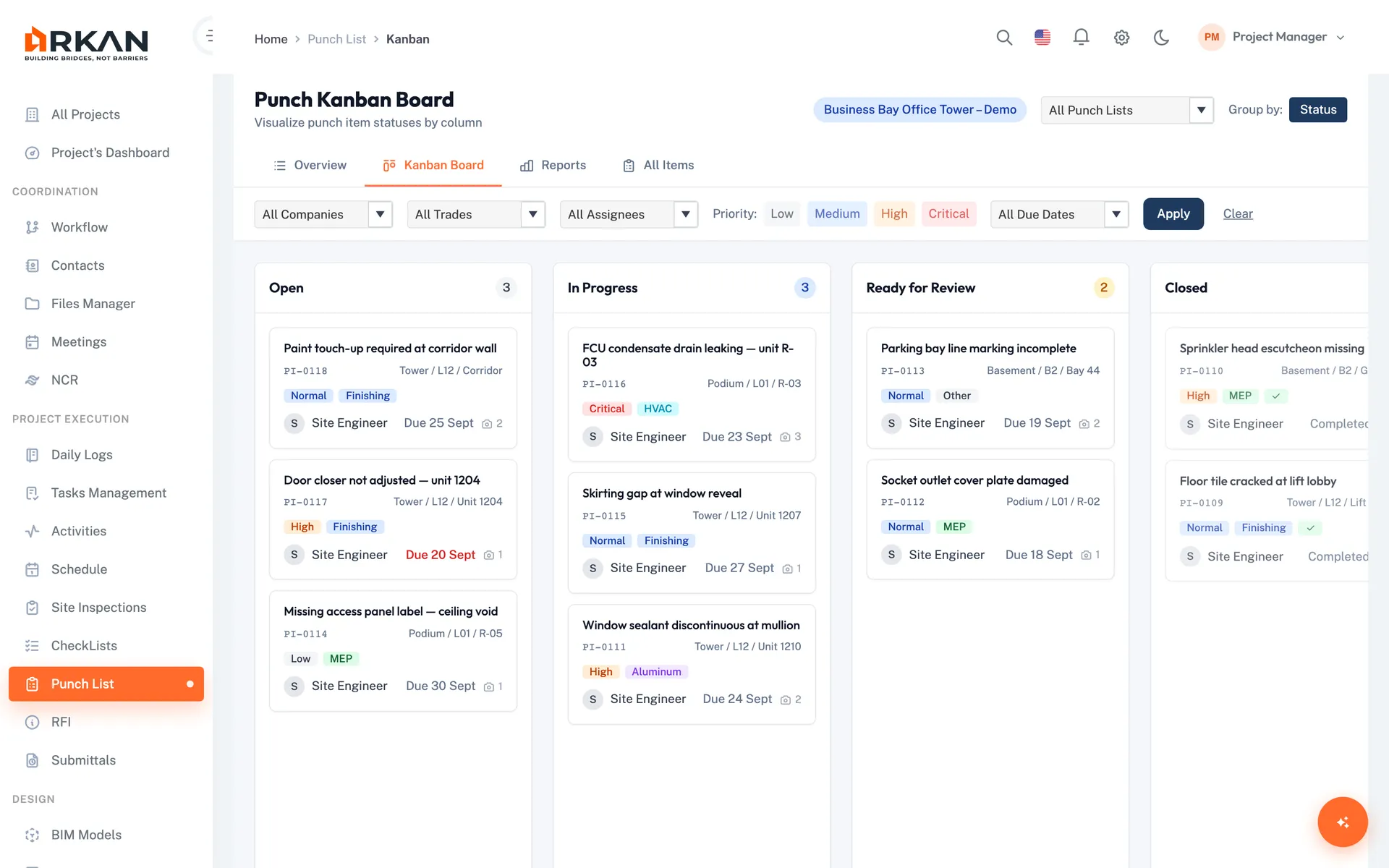
Kanban Board
Drag items between columns and filter by list, company, trade, assignee, priority or due date.
Dashboard & Reports
KPIs for open and overdue items, active lists and average completion, plus summary and item-level reports exported to CSV or PDF.
Reassignment
Reassign an item when responsibility moves to another subcontractor.
Simple 4-Step Process
Walk: Create a punch list for the area
Log: Add items with photos, trade, company and assignee
Fix: The assignee moves the item to In Progress, then Resolved
Close: Verify and close each item, then close the list
At a Glance
Priority Levels
4
Low, Normal, High and Critical
Statuses
6
Draft, Open, In Progress, Resolved, Closed and Void
Report Exports
CSV & PDF
Summary and item-level detail
Works seamlessly with other Arkan features
Punch List integrates with Inspection Management, NCR, Quality Checklists and more for a complete construction management solution.
Related Features
Explore other features that work great with Punch List