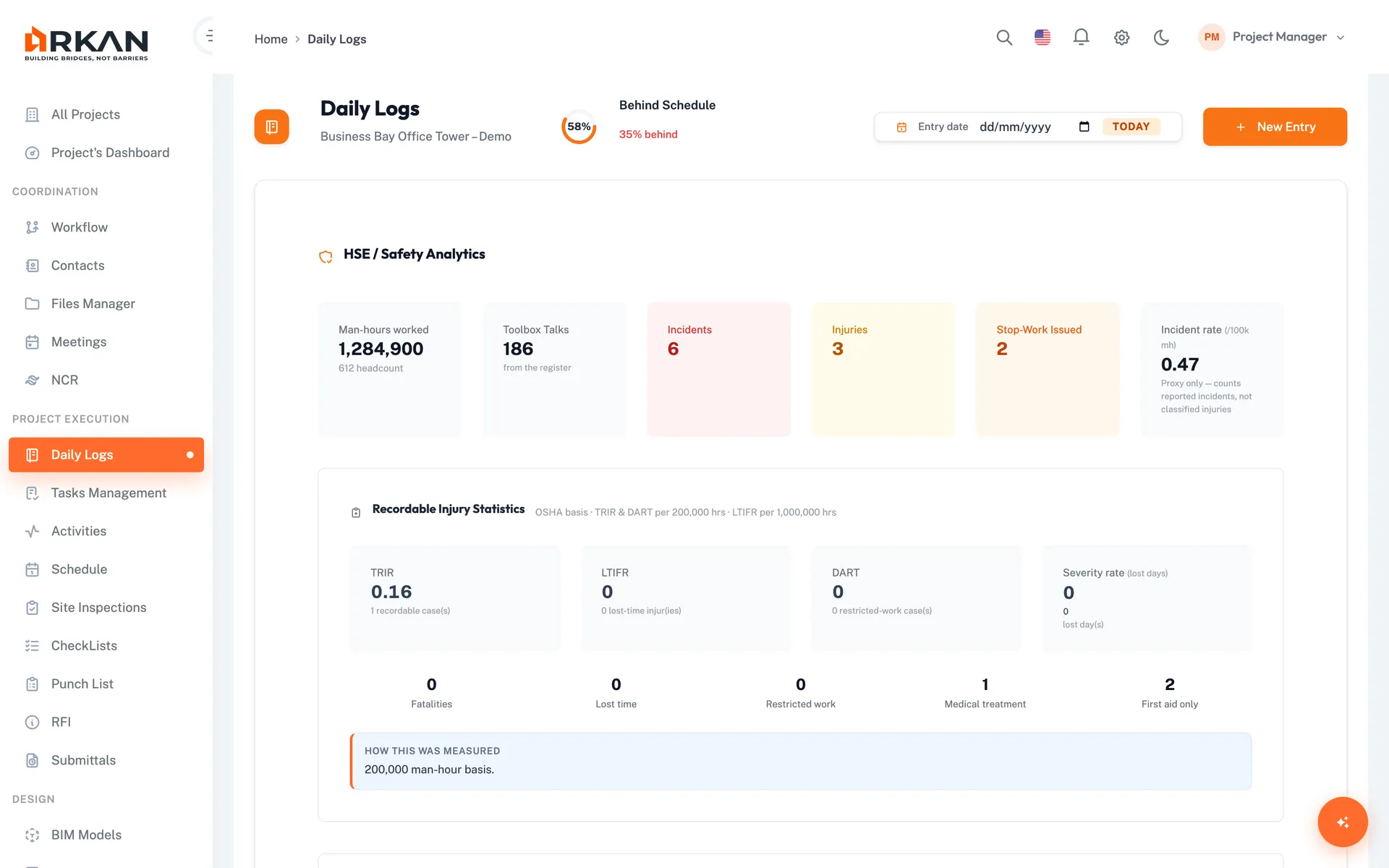
Paper Reports Nobody Can Search
- 1Paper daily reports are hard to find when a delay or claim needs evidence
- 2Headcount, equipment hours and deliveries are recorded differently by each foreman
- 3Safety observations and near misses are reported verbally and never followed up
Arkan Daily Site Logs Capabilities
Manpower
Log trade, company, shift, headcount, working and overtime hours, and link entries to a task, activity or an area, building, floor and zone. Man-hours are calculated for you.
Equipment
Record equipment type, units, hours operated and idle, and condition: Operational, Idle or Down.
Materials
Log material received, with supplier, delivery note and storage location, or material used, against a task, activity and area.
Safety
Report incidents, near misses and observations with severity from Low to Critical, stop-work times, injuries, immediate action and a follow-up owner.
Visitors
Record visitors with company, purpose, time in and out, escort, badge number, visit category and result.
Weather
Live weather and temperature for the site on the overview, from Open-Meteo using the project's coordinates, and the recorded weather stored on each log.
Simple 4-Step Process
Add: Pick a date and add entries; the day's log is created automatically
Attach: Upload photos and documents to the log
Submit: Send the completed log for review
Approve: A reviewer approves or rejects it
At a Glance
Entry Types
5
Manpower, equipment, material, safety and visitors
Review Statuses
4
Draft, Submitted, Approved and Rejected
Man-Hours
Calculated
Working hours × headcount across manpower entries
Works seamlessly with other Arkan features
Daily Site Logs integrates with Task Management, Schedule & Primavera P6, RFI & Submittal Management and more for a complete construction management solution.
Related Features
Explore other features that work great with Daily Site Logs