Complete Visibility Into Every Project You're Building.
Your contractors send monthly reports. Your consultants add their observations. By the time you see the data, decisions have already been made without you. Arkan puts the same project records your teams work from in front of you—so you stay in control of your investment.
Is Arkan Right for You?
If any of these apply to you, you're in the right place.
How It Works
Three simple steps to get started with Arkan
Portfolio Review
We analyze your portfolio structure and oversight needs
Stakeholder Onboarding
Connect contractors and consultants to your Arkan instance
Go Live
Launch with project dashboards and role-based training
The Reality You're Living
Challenges construction teams in the region know well.
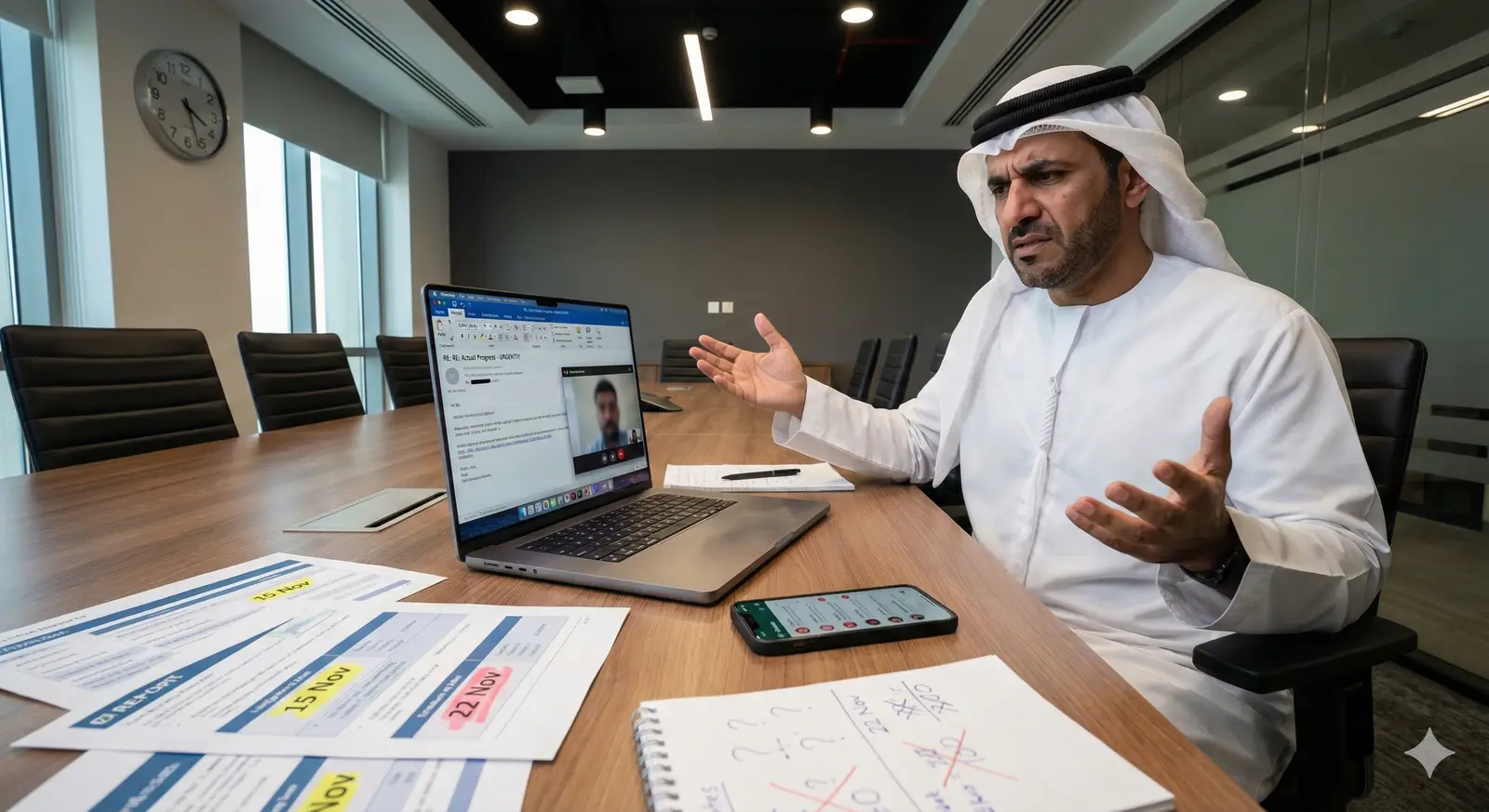
Monthly progress reports are a lagging indicator.
By the time you see a problem in the monthly report, it's already a month old. Delays compound. Costs escalate. You're always reacting, never anticipating.
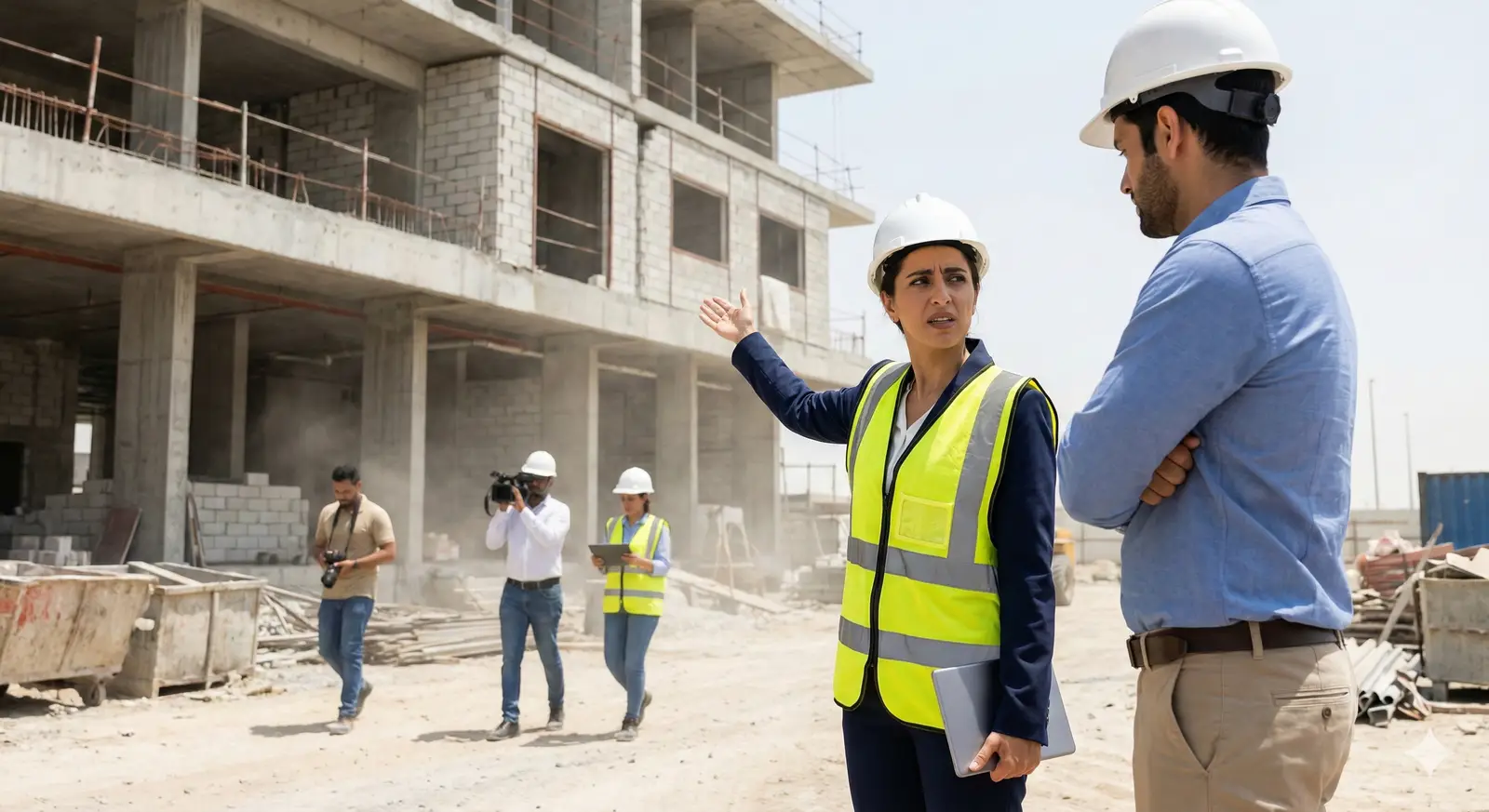
You don't know if 65% complete means 65% of budget or 65% of schedule.
Contractors report progress in ways that favor their narrative. Without a unified system, you're comparing apples to oranges across every project.

Variations appear from nowhere—and they're always expensive.
'The client approved this change.' Did they? When? Who approved it? For how much? Without documentation, you're negotiating in the dark.
Quality issues surface at handover—when it's too late.
Snags, defects, incomplete work. The contractor says it's finished. The consultant says it needs remediation. You're caught in the middle during what should be a celebration.
You're managing multiple contractors across multiple projects.
No standardization. No comparability. No way to identify which contractors are performing and which are struggling until it's too late.
What You Get
How Arkan helps your team day to day.
Visibility Without Waiting
See progress, inspections and financials on each project's dashboard as your teams update them, instead of waiting for a monthly report.
Earlier Warning Signs
The cumulative progress curve and overdue indicators show when a project is slipping behind plan.
Documented Variations
Each variation is recorded with its value impact and approval history. No verbal approvals.
Contractor Accountability
Inspections, NCRs and punch items are recorded against each project, so performance discussions are based on the record.
Smoother Handover
A punch list with photos and a quality record built up throughout construction.
Built for How You Work
Every feature is designed with your specific needs in mind.
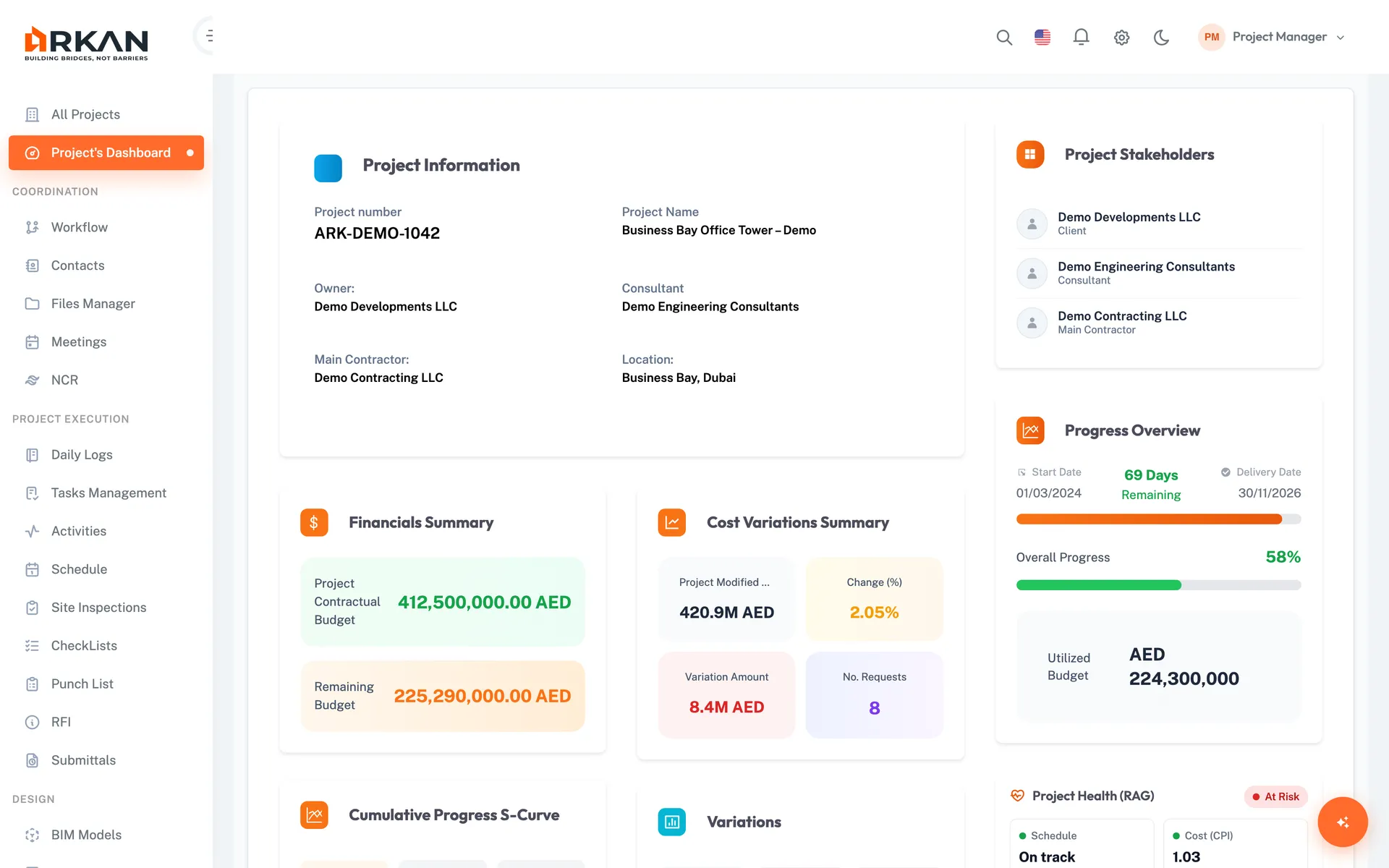
Project Dashboards
Each project has a dashboard with financial summary, cumulative progress curve, inspections, submittals and variations. Switch between projects from the projects grid.
See each project's health without waiting for a report.
- Financial summary and projections
- Planned vs. actual progress curve
- Drill down into the underlying records
Planned vs. Actual Progress Curves
A cumulative progress curve shows where each project stands against plan.
Spot deviations early. Ask the right questions before problems escalate.
- Planned vs. actual on every project dashboard
- Overdue indicators in the progress overview
- Upcoming activities to start and complete
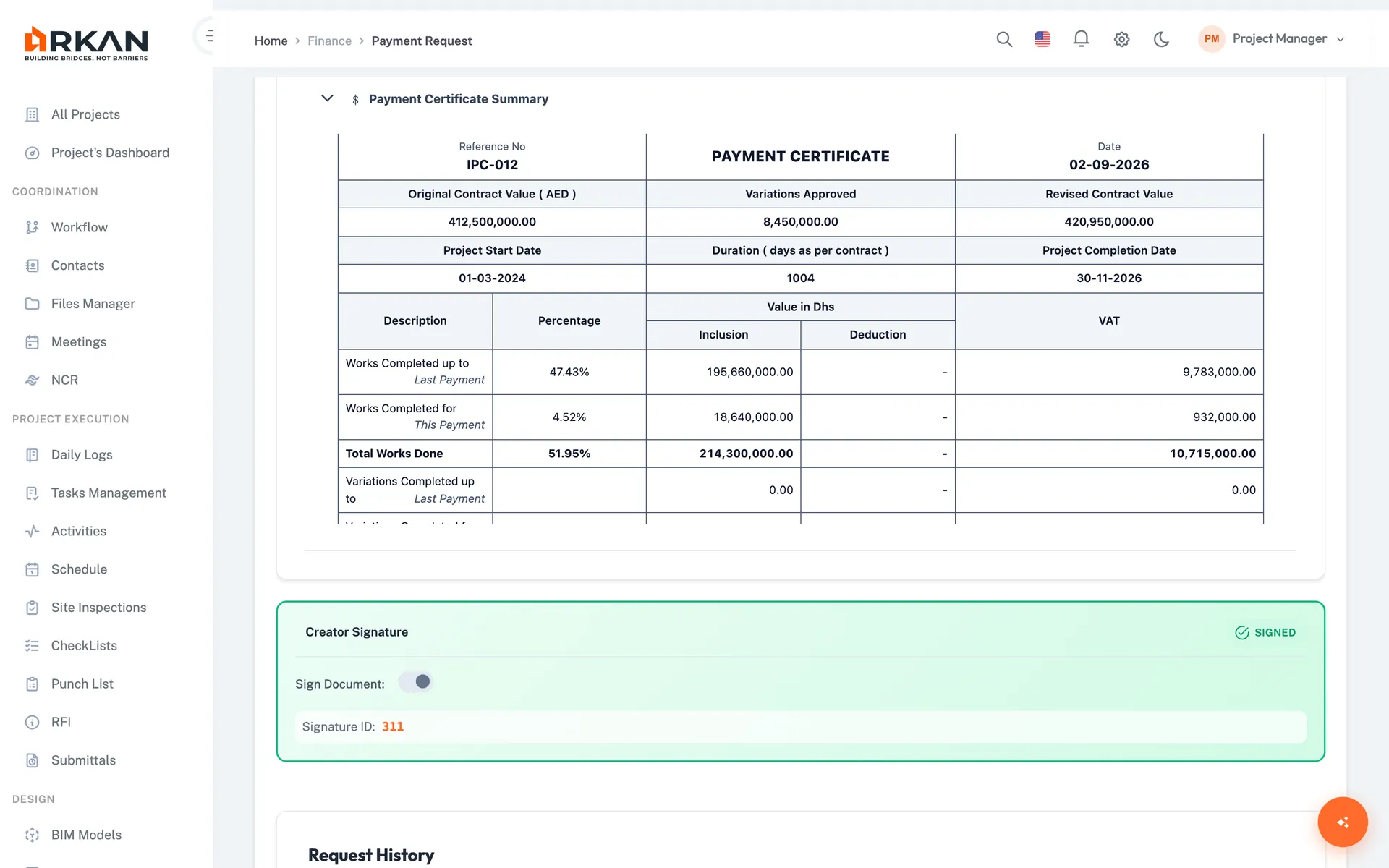
Financial KPI Tracking
Contract value, amounts certified and paid, retention, advance payments, VAT and variation impact.
Know your financial exposure—always.
- Financial summary on the project dashboard
- Payment and retention history
- Variation impact on contract value
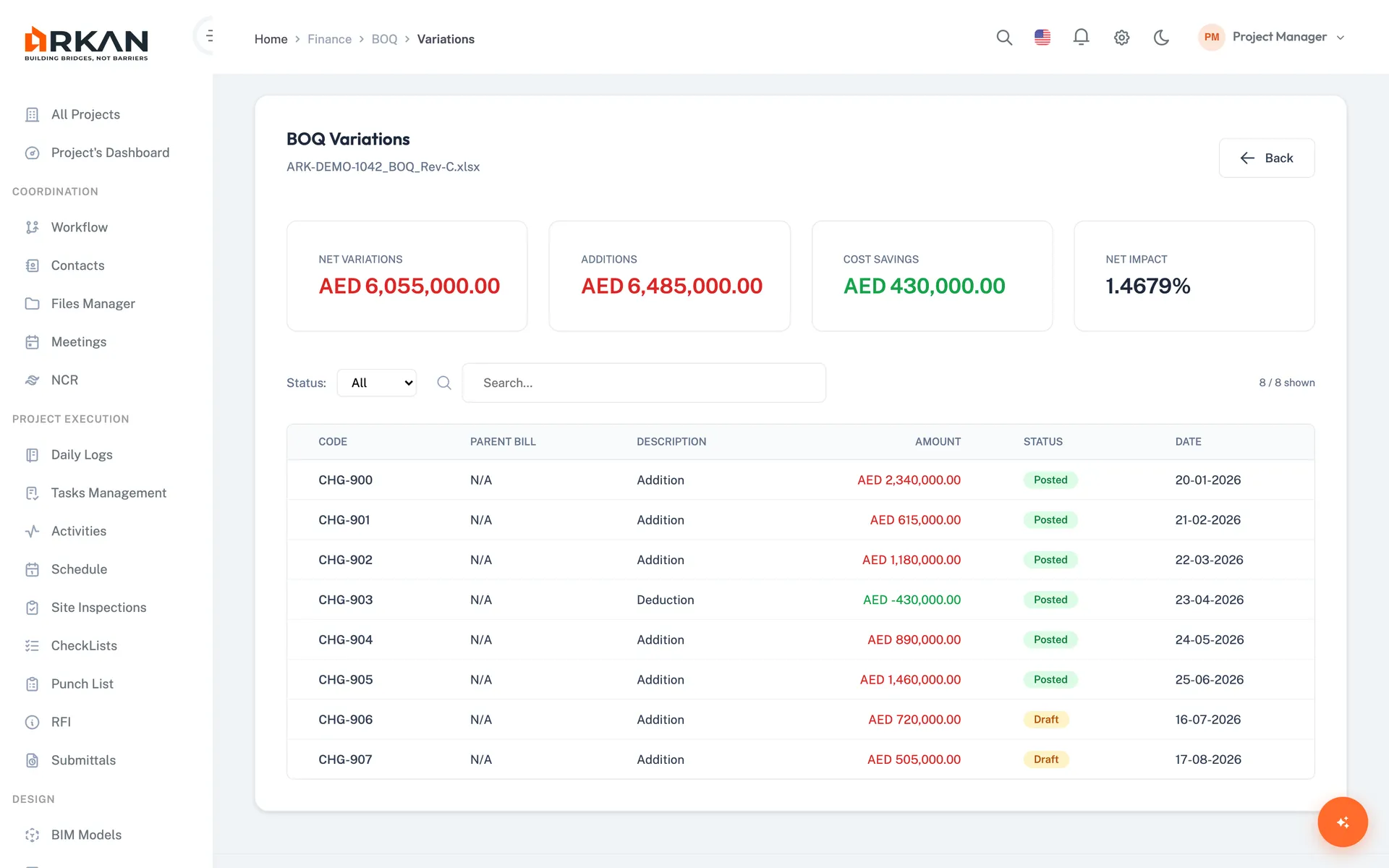
Variation Control
Every variation documented, linked to BOQ items with its value impact, and tracked through an approval workflow.
No surprise claims. Complete documentation for every change.
- Configurable approval workflow
- Linked to BOQ items and value impact
- Comments and approval history
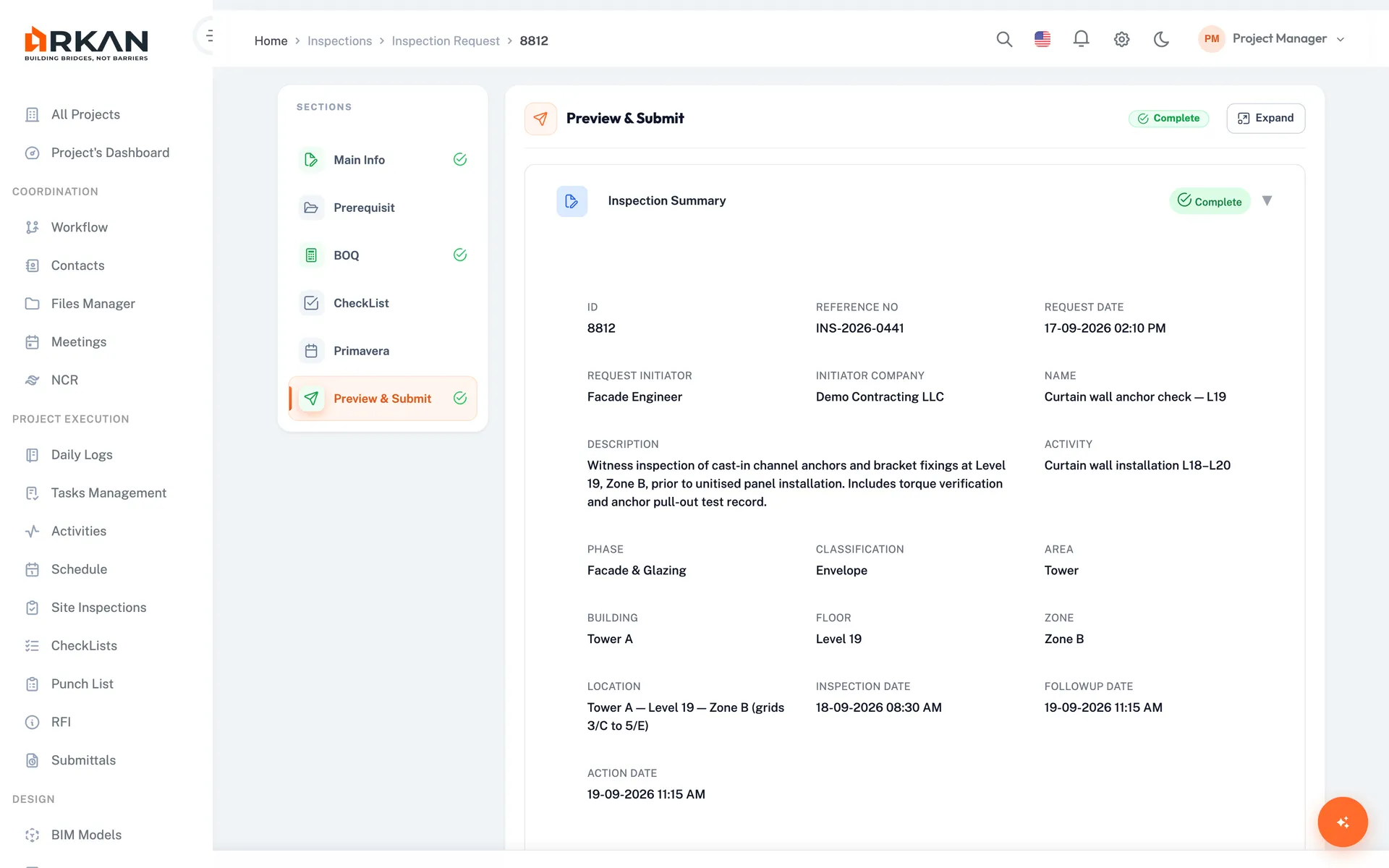
Inspection Verification
See every inspection request, completion status, and quality checklist result.
Quality visibility without site visits. Trust, but verify.
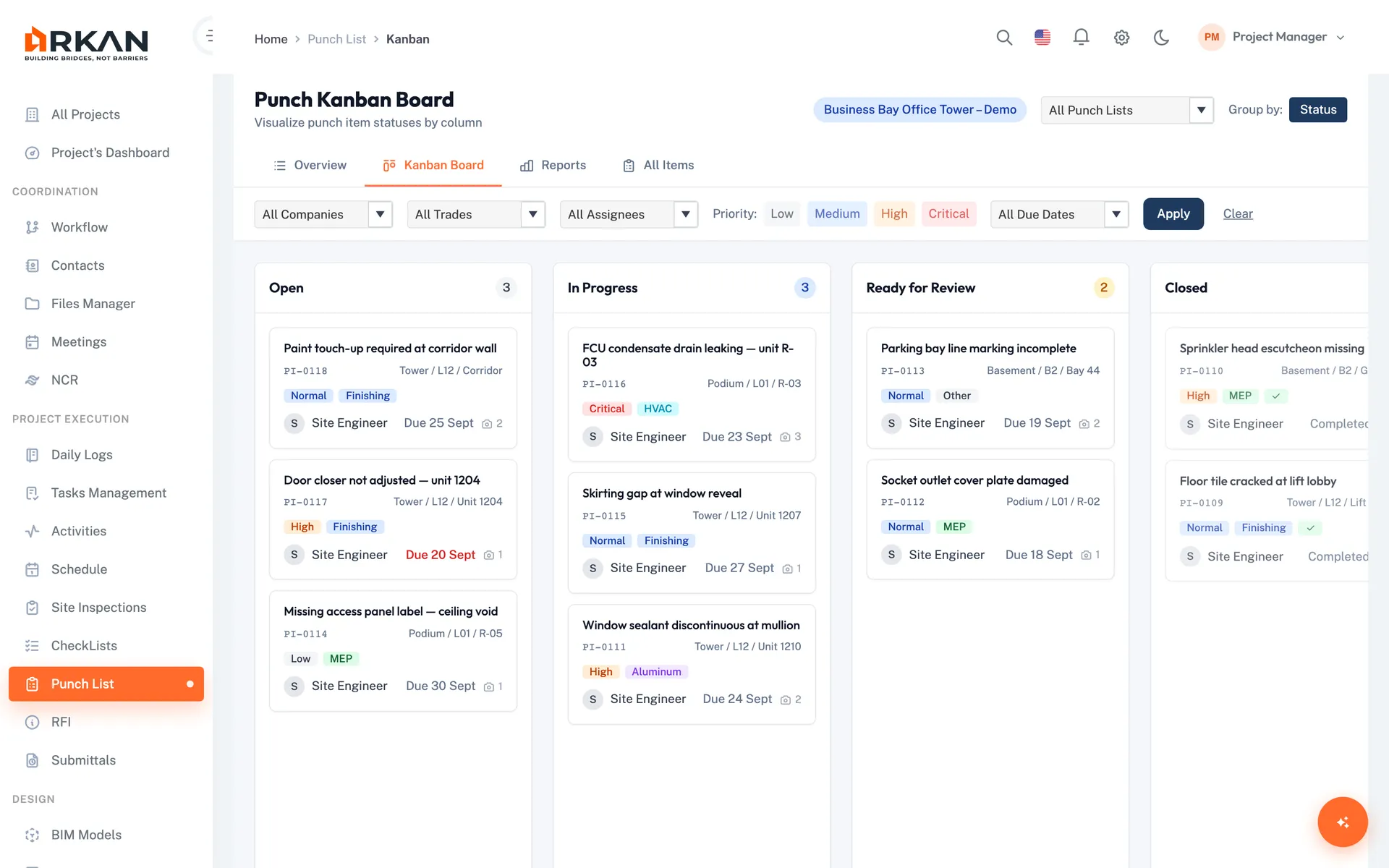
Punch List & Handover
Track defects on a Kanban board with photos, comments and assignees, and export punch list reports before handover.
Snags are closed before handover, not argued about after.
Who Uses Arkan
Role | How They Use Arkan |
|---|---|
| CEO / Principal | Project dashboards, financial summary, key decisions |
| Development Director | Project oversight, inspection and NCR status, risk review |
| Project Manager | Day-to-day monitoring, issue escalation, coordination |
| Finance Director | Payment tracking, budget monitoring, variation impact |
| Legal / Contracts | Workflow and version history, variation records, meeting minutes |
| Asset Manager | Punch list tracking, defect resolution, handover documents |
Getting Started
We help you set up, import your data and train your team.
What's Included
Guided Setup
Configuration, data import and training
Integrated Modules
Submittals, inspections, BOQ, finance, schedule, BIM and more
Bilingual
Full Arabic (RTL) and English interface
Got Questions? We've Got Answers.
Invite your contractors and consultants to work in Arkan. They report progress, submit for approval and raise payment requests there, so you see the same records they work from.
Learn moreYes. The Punch List module tracks defects on an overview dashboard and a Kanban board, with photos, comments and CSV/PDF reports.
Financial summary and projections, the cumulative progress curve, inspection and submittal KPIs, variations, BOQ item status, workflow requests and upcoming activities. Widgets let you drill into the underlying records.
Learn moreEach BOQ variation is recorded with its value impact and routed through an approval workflow with comments, so there is a documented record of who approved what, and when.
Not Ready to Start?
Try these resources first
Modules developers use most
- Project dashboardsProgress, finance and schedule indicators
- Financial managementContract value, certified amounts and retention
- Variation ordersSee what changed and what it costs
- ScheduleView contractor P6 schedules without a P6 licence
- Daily logsSite records with weather and manpower
- Project hubSeveral projects in one place