The Approval Maze
- 1Email approvals have no audit trail
- 2Delegations happen informally with no tracking
- 3No visibility into where a request is stuck
- 4Escalations depend on someone remembering to follow up
- 5Multiple approval paths create confusion
Arkan Workflow & Approval Engine Capabilities
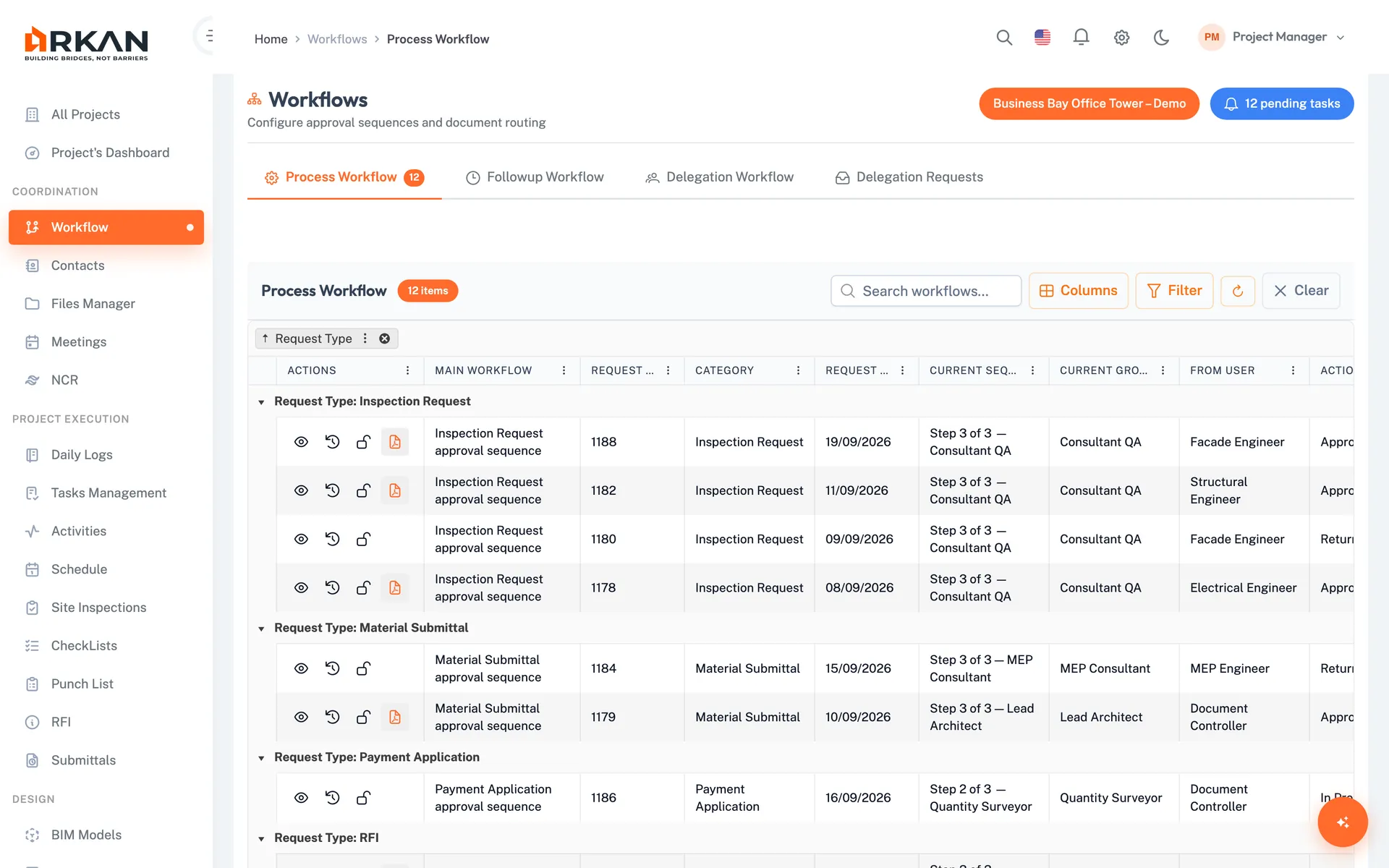
Process Workflow
Your queue of items waiting for your group's action
Sequences, groups, record locking and elapsed-time escalation
Follow-up Workflow
Track the requests you submitted wherever they are in the chain
Under Process and Finished views with full history
Delegation Workflow
Delegate a request subcategory to one or more users
Delegation requests with approval, log and request history
Workflow Actions
Approve, Reject, Forward, Return
Comments, destination group and next sequence
Recommendations
View and add recommendations when taking action on a request
Shown in the workflow history
Workflow Configuration
Project templates, company groups, sequences
Company-specific sequences, subcategory mapping
Simple 4-Step Process
Configure: Set up workflow sequences, groups and nodes
Submit: Route requests through defined approval paths
Act: Lock the item, then approve, reject, forward or return it with comments
Track: Follow items through the chain; overdue items escalate after the configured time
At a Glance
Workflow Actions
4
Approve, reject, forward and return
Escalation
Time-based
Set an elapsed time per node; overdue items escalate automatically
Delegation
Per subcategory
Delegate to one or more users once the delegation request is approved
Works seamlessly with other Arkan features
Workflow & Approval Engine integrates with Submittals, Financial Management, Inspections and more for a complete construction management solution.
Related Features
Explore other features that work great with Workflow & Approval Engine