Free BOQ Template: Bill of Quantities in Excel and PDF
A generic Bill of Quantities layout you can adapt to your tender or contract. Enter the quantity and rate and the amount and total calculate for you. Available as an Excel workbook and a printable PDF, in English and Arabic.
Download the template
Preview
A preview of the template layout. The files have more blank rows and, in Excel, working formulas and drop-downs.
Bill of Quantities (BOQ)
- Project name
- Project / contract no.
- Prepared by
- Date
- Revision
- Currency
| Item no. | Description of work | Unit | Quantity | Rate | Amount | Remarks / spec. ref. |
|---|---|---|---|---|---|---|
| = calculated | ||||||
| = calculated | ||||||
| = calculated | ||||||
| ... (28 rows in the file) | ||||||
| Total of items | ||||||
What is included
- Project header: name, contract number, prepared by, date, revision and currency
- Item table: item number, description, unit, quantity, rate, amount and remarks
- Amount (quantity x rate) and a total of items, calculated by formulas in the Excel file
- Arabic version with right-to-left sheet and Arabic headings
How to fill it in
- Fill in the project header, including the revision, so the right version is always clear.
- Use one row per measurable item. Add a bold row for each section heading, such as substructure or finishes.
- Write a clear description that refers to the specification clause, and choose the unit of measure.
- Enter the quantity from your take-off and the rate. Leave the rate blank if bidders will price it.
- Check the total, save the file with a revision number and keep priced and contract versions separate.
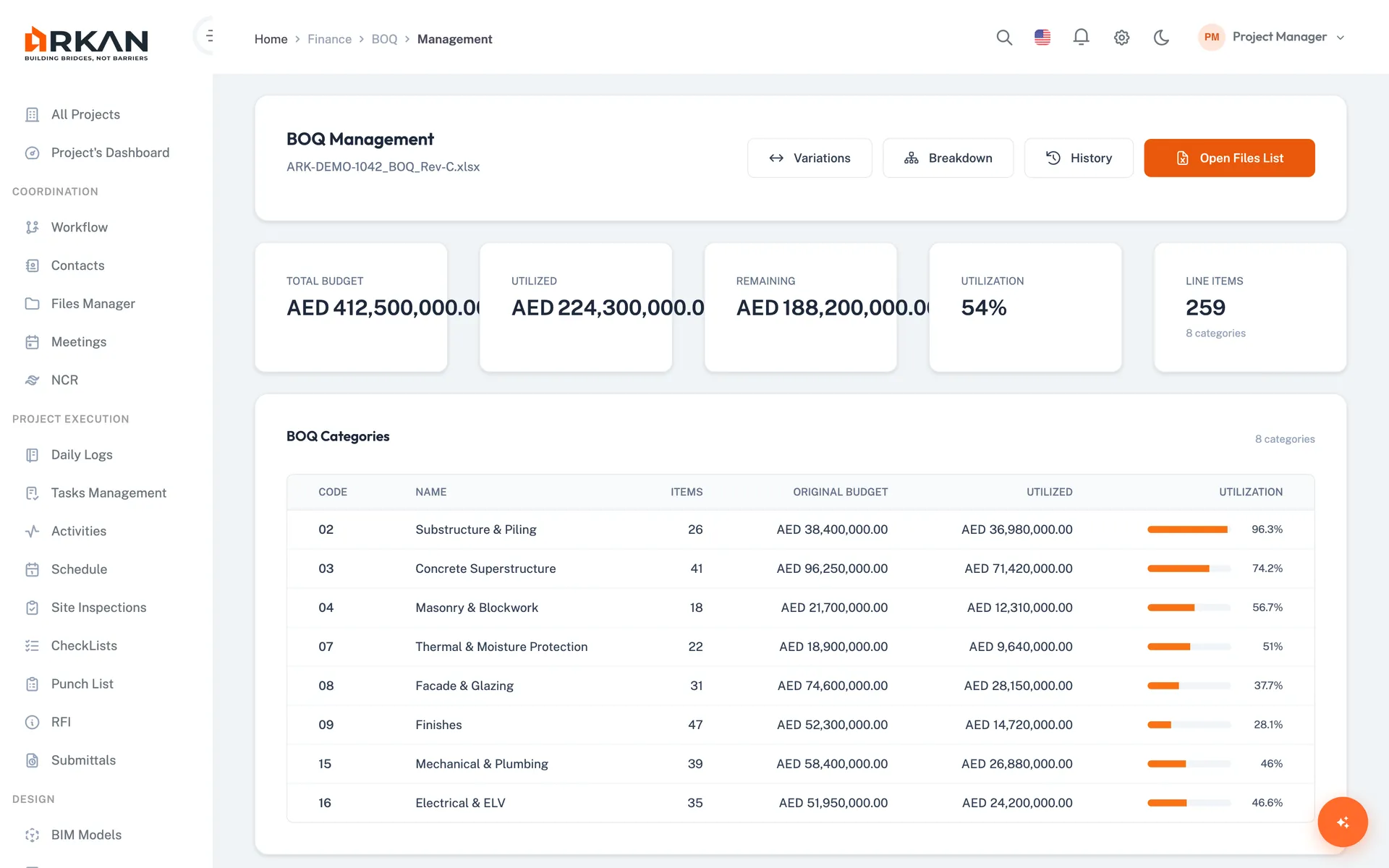
Do this without spreadsheets: Arkan BOQ
If BOQs live in many copies of one spreadsheet, Arkan's BOQ module keeps one controlled record and links it to variations and payment requests.
- Upload BOQ files with column mapping and validation before import
- Break items into sub-items and see variance alerts
- Record variations against items and see cost by WBS section
Related templates
Last updated: 2026-10-13. This is a generic template, not tied to a specific contract. Adapt it to your contract and project procedures.