Free NCR Template: Non-Conformance Report
A one-page Non-Conformance Report to record work or material that does not meet the specification, the cause, the agreed corrective action and the closure. Excel and PDF, English and Arabic.
Download the template
Preview
A preview of the template layout. The files have more blank rows and, in Excel, working formulas and drop-downs.
Non-Conformance Report (NCR)
- NCR no.
- Date raised
- Project
- Raised by
- Issued to (contractor / subcontractor)
- Location / element
- Discipline
- Severity
- Minor / Major / Critical
- Specification / drawing reference
- Related inspection / ITP ref.
Description of the non-conformance
Requirement not met (clause / criterion)
Evidence (photos, test results, measurements)
Root cause (by contractor)
Proposed disposition and corrective action
Preventive action
- Disposition
- Rework / Repair / Use as is / Reject / remove
- Target closure date
- Re-inspection date
- Status
- Open / Corrective action submitted / Closed
- Date closed
- Closure verified by
What is included
- Header: NCR number, date, issued to, location, discipline, severity and references
- Sections for the description, requirement not met, evidence, root cause and preventive action
- Disposition drop-down (rework, repair, use as is, reject) and status drop-down
- Target closure, re-inspection and closure verification fields, with three signature boxes
How to fill it in
- Number the NCR, state the location or element, and refer to the specification clause or drawing.
- Describe what was found and which requirement it fails to meet. Stick to facts and attach photos or test results.
- Choose the severity under your project's own definitions.
- The contractor records the root cause and proposes a disposition and corrective action, which the issuer accepts or comments on.
- Re-inspect after the corrective action, record who verified it and the date, and only then set the status to closed.
Do this without spreadsheets: Arkan NCR
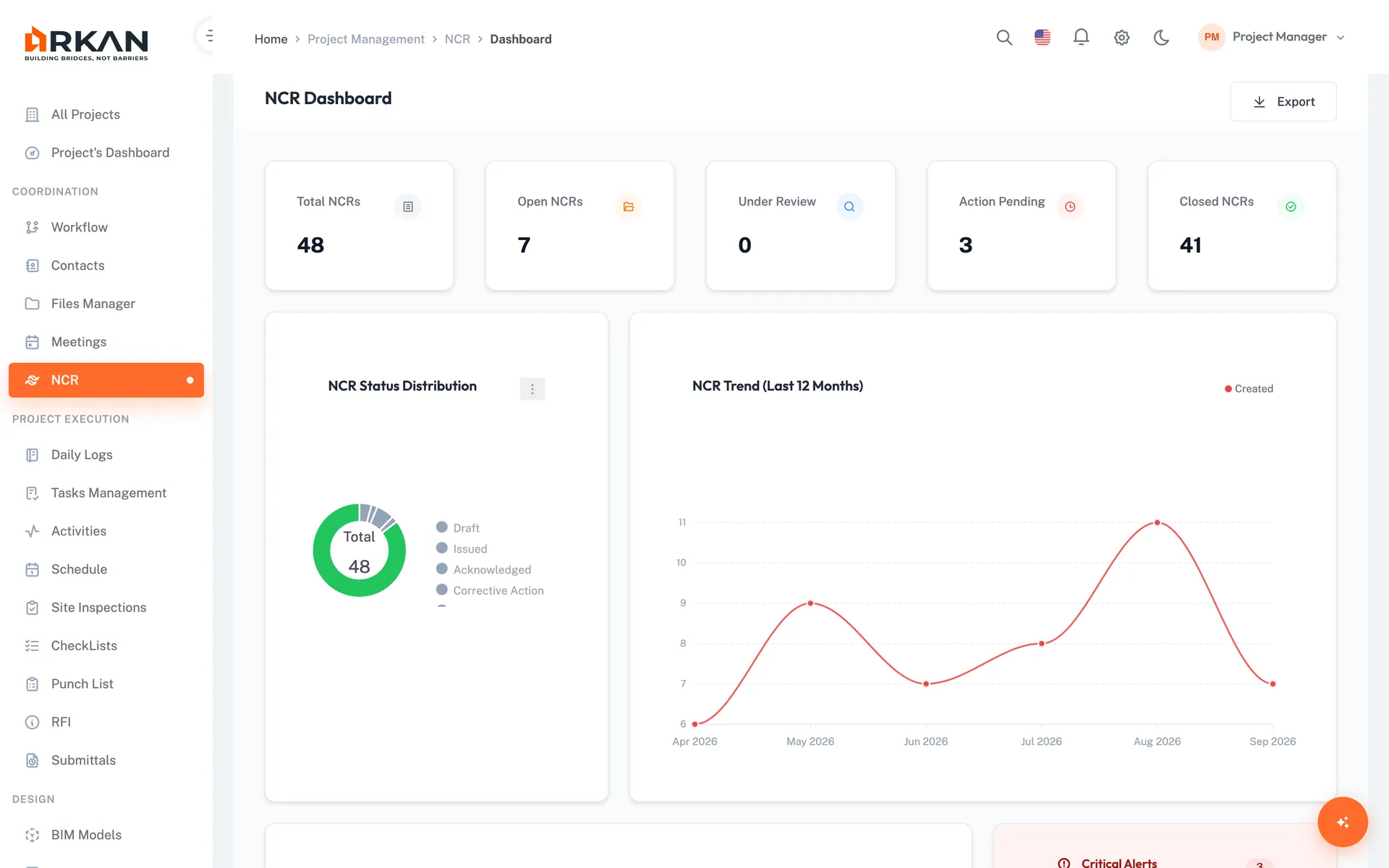
Arkan's NCR module records each non-conformance with its status and responsible party and keeps it linked to the project's quality records.
- Severity, responsible company and evidence on each NCR
- Pins on drawings and links to inspections
- Tracking through corrective action and verification
Related templates
Last updated: 2026-10-14. This is a generic template, not tied to a specific contract. Adapt it to your contract and project procedures.